Chop it
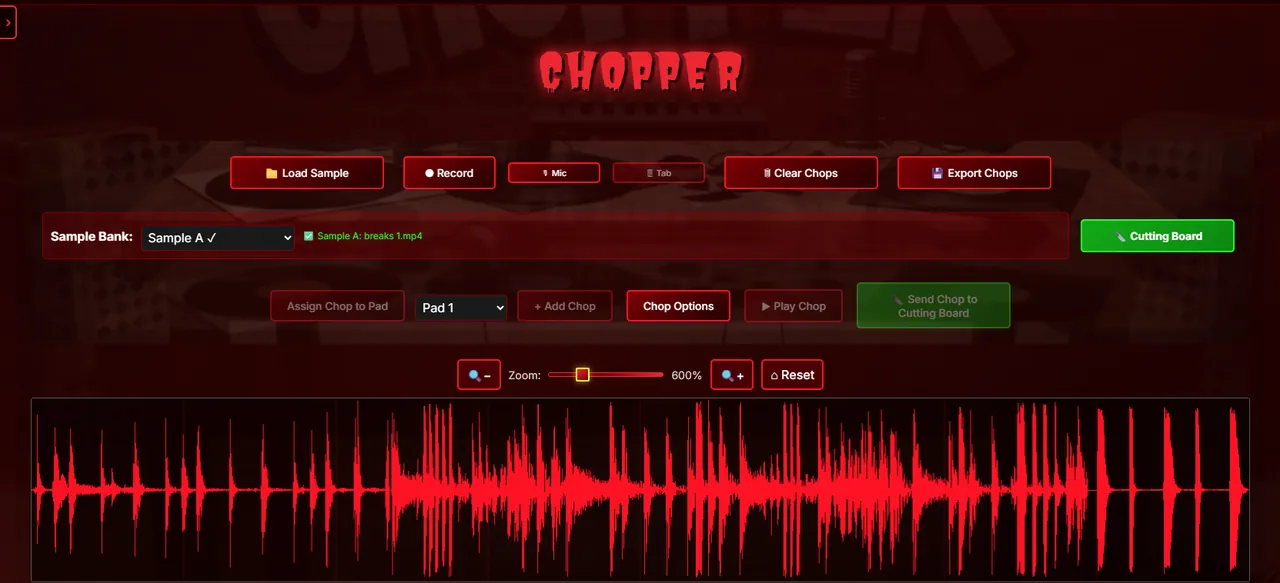
Drop in a sample, chop it on the waveform, and play the chops from the pads.
Browser beat machine & sampler
MPC-style chops, pads, and patterns, right in your browser. Load a sample, slice it, flip it, and have a beat going before the coffee’s done.
No credit card. Try it as a guest, then create a free account to keep your beats.
The workspace
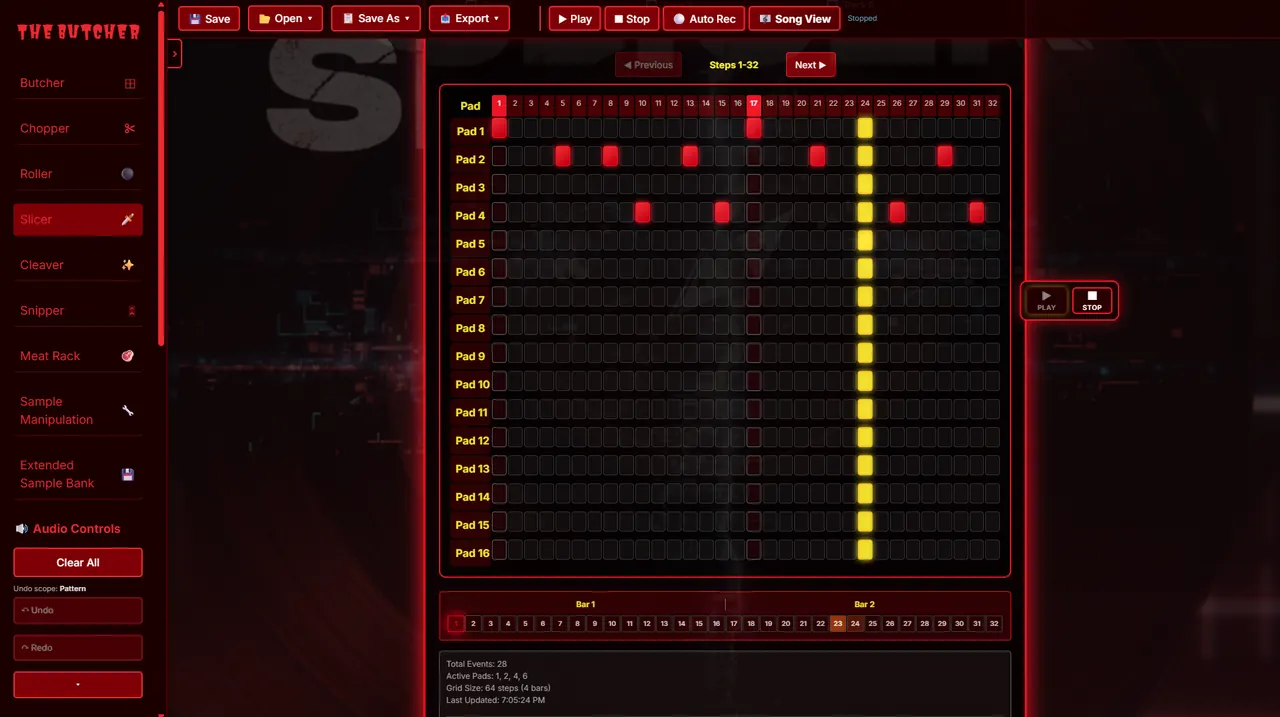
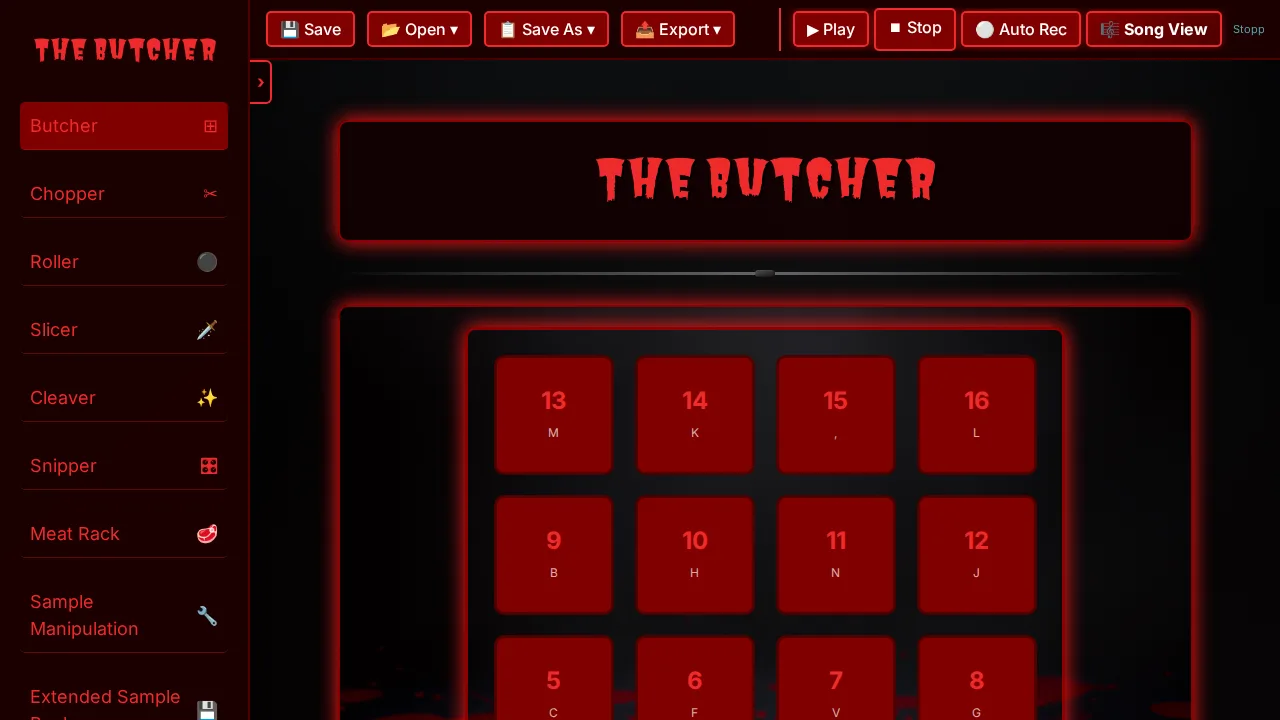
Pads, step sequencer, pattern manager, and Save / Open / Export are all within reach. Less clicking around, more making beats.
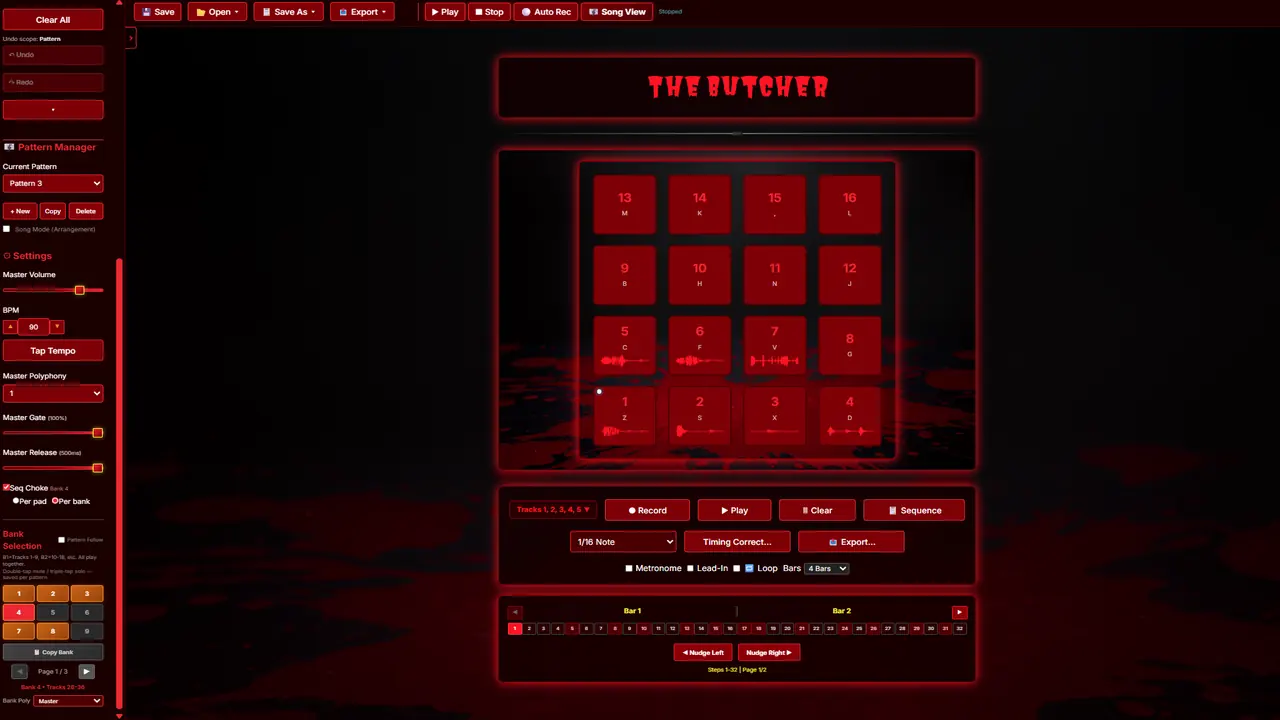
Click the screenshot to jump into the app.
What you can do
Drop in a sample, chop it on the waveform, and play the chops from the pads.
Build patterns on the Roller and Slicer and turn a loop into a full beat.
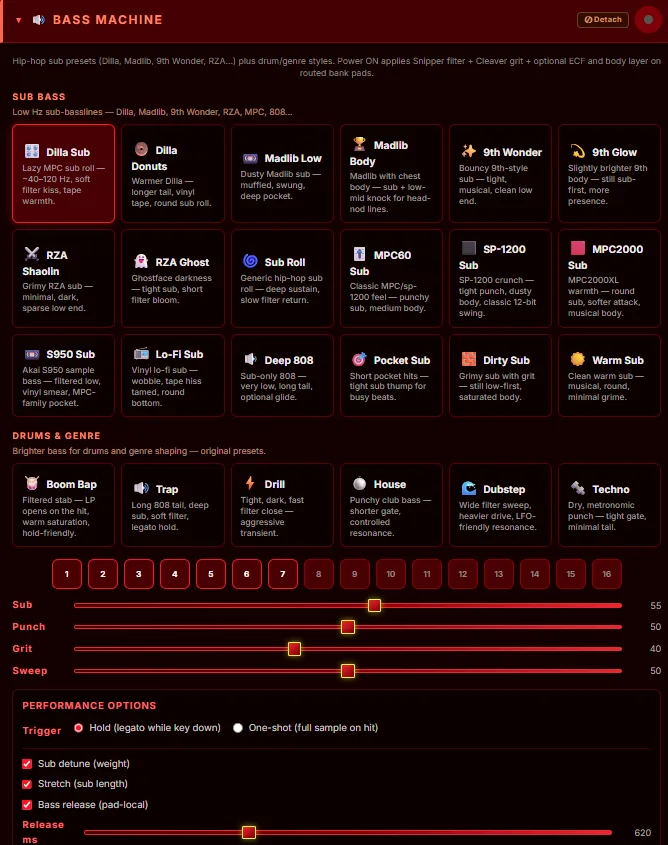
Run sounds through Cleaver, Meat Rack, Snipper, and more. Hear every effect on Free; keep it on export with Pro.
Free accounts get unlimited 15-second snippets for sharing ideas. Pro gets full-length exports and cloud save.
The Butcher Pro is a browser sampler and beat machine for chopping and sketching beats fast. It isn’t trying to be a full DAW, and it’s not the MT5 trading bot with a similar name.
Inside the app
Compare
Every tier lets you hear what the app can do. Free accounts can try advanced FX (audition mode); Pro lets you keep them on export.
| Guest | Free account | Pro | |
|---|---|---|---|
| Views | Butcher & Chopper | Core views + audition advanced FX | Everything, including Song mode |
| Projects | Session only | 3 local beats, unlimited saves in each | Unlimited slots + cloud save (Google Drive) |
| Exports | None | Unlimited 15s snippets (no full exports) | Unlimited full-length exports |
Pricing
Cloud save, full-length exports, and Song mode, for less than a sample pack.
Beta: Pro features are open during the beta, so you can try everything. These are the plans once beta ends. Nothing is charged today.
Questions about plans? Email butcherbeatpro@gmail.com.
New features, beta updates, and the launch date. A few emails, no spam.
Unsubscribe anytime. See our Privacy Policy.
Optional account
Signing in with Google is optional. If you choose Sign in with Google, we receive your email address, name, and basic profile information (such as your profile picture) to identify you in the app.
If you connect Drive, we request OAuth scope
https://www.googleapis.com/auth/drive.file only. That lets the app save and open Butcher
project files that you create in the app or pick with the Google file picker. We do
not access your entire Google Drive. We do not sell Google user data.
Full details: Privacy Policy · Terms of service
Support
No. It runs in your browser. If you want it to feel more like an app, add it to your home screen.
Browsers block audio until you interact with the page. Click or tap once inside the app and you’re good.
Free accounts can open advanced views like Meat Rack and hear exactly how the FX shape your beat. Upgrade to Pro to keep those settings on export. You can try everything before you pay.
No. The Butcher Pro is a fast browser sampler and beat machine for chopping, sequencing, and sketching ideas. Bring your exports into your DAW when you’re ready to mix.
No. The Butcher Pro at butcherbeat.com is a music app. It has nothing to do with trading software.
Signing in with Google and using Drive are optional. If you connect Drive, the app only asks for the
drive.file scope, so it can only see project files you create in the app or pick yourself,
never your whole Drive. We don’t sell Google user data. Details are in the
Privacy Policy.
Chrome and Edge on desktop are the primary targets. Other Chromium browsers often work. Safari and mobile browsers may have limits on audio and storage — try desktop Chrome or Edge for the smoothest experience.
Guests cannot export. Free accounts get unlimited 15-second snippets (no full-length exports). Pro gets unlimited full-length exports, including with advanced FX baked in where the app supports it.
Yes. Try it as a guest with no account, or create a free account to keep up to 3 beats locally and export unlimited 15-second snippets.
Email butcherbeatpro@gmail.com.
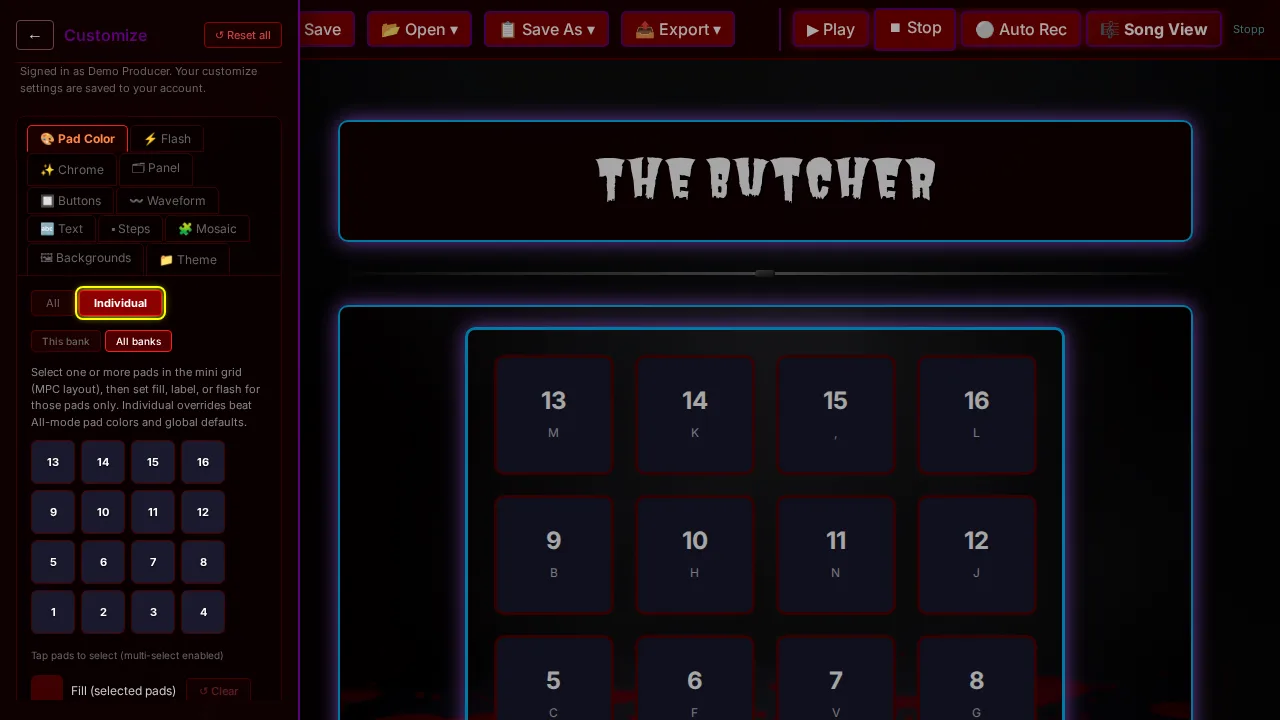
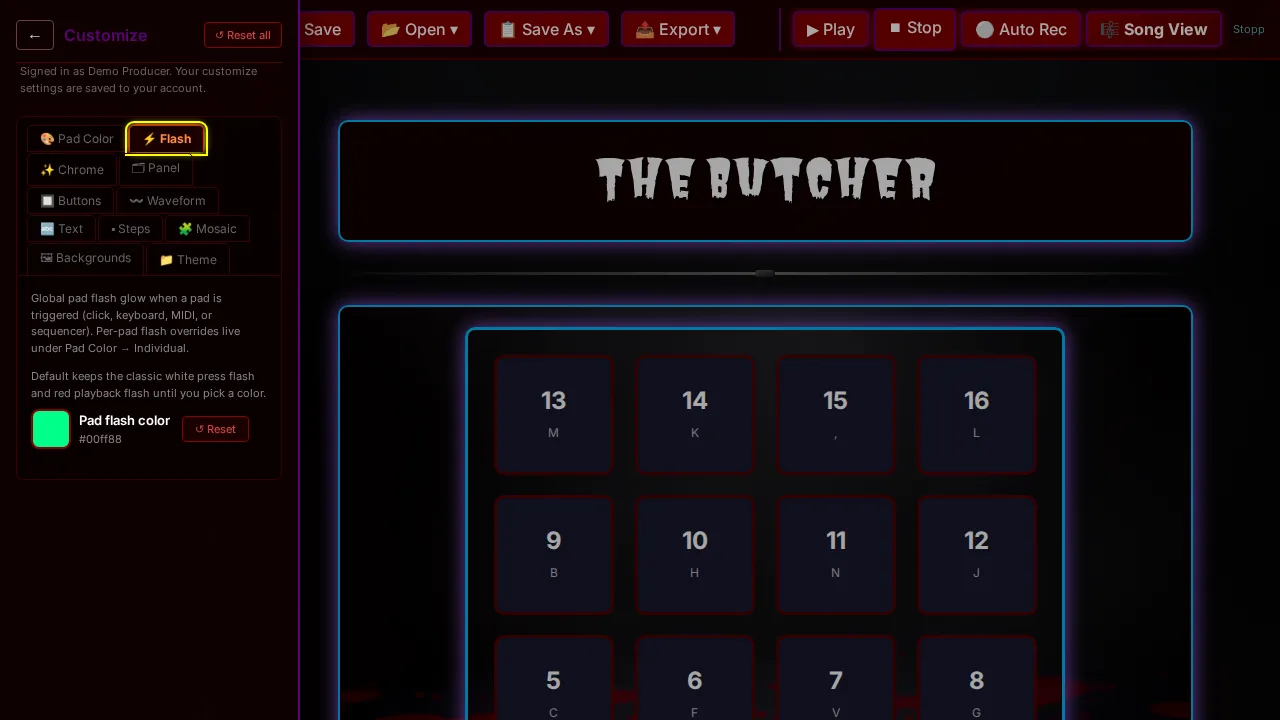
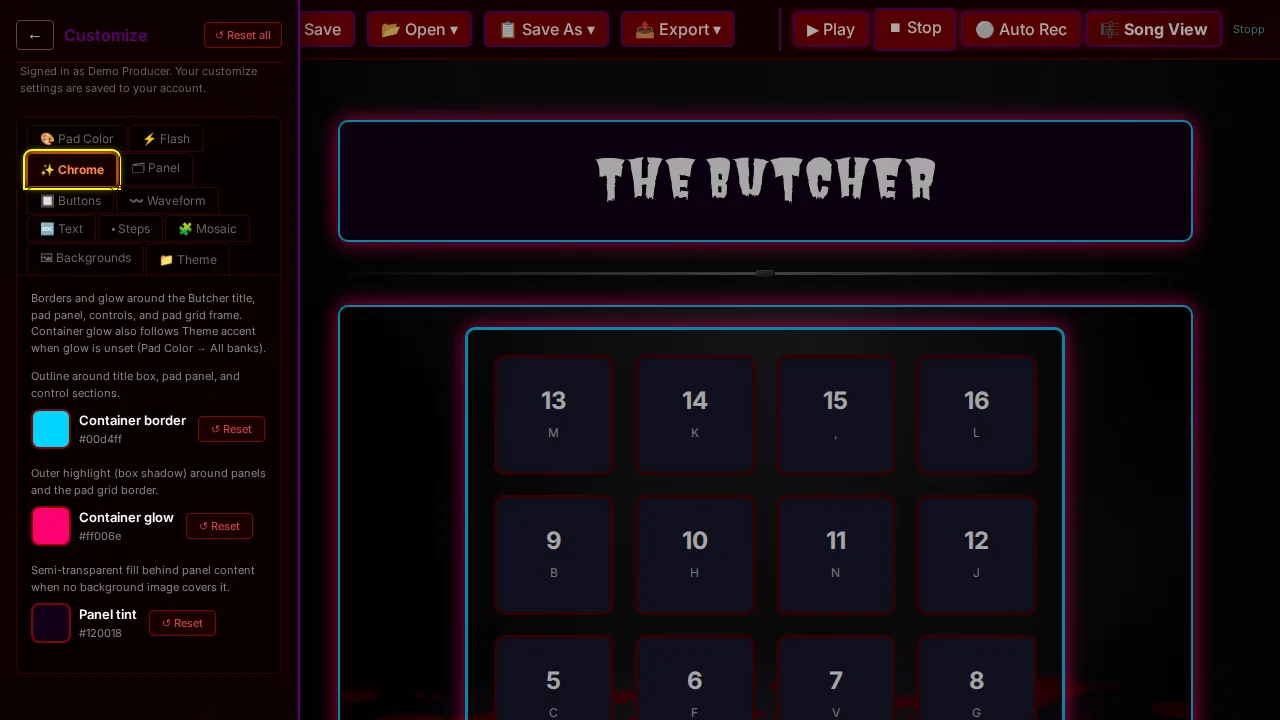
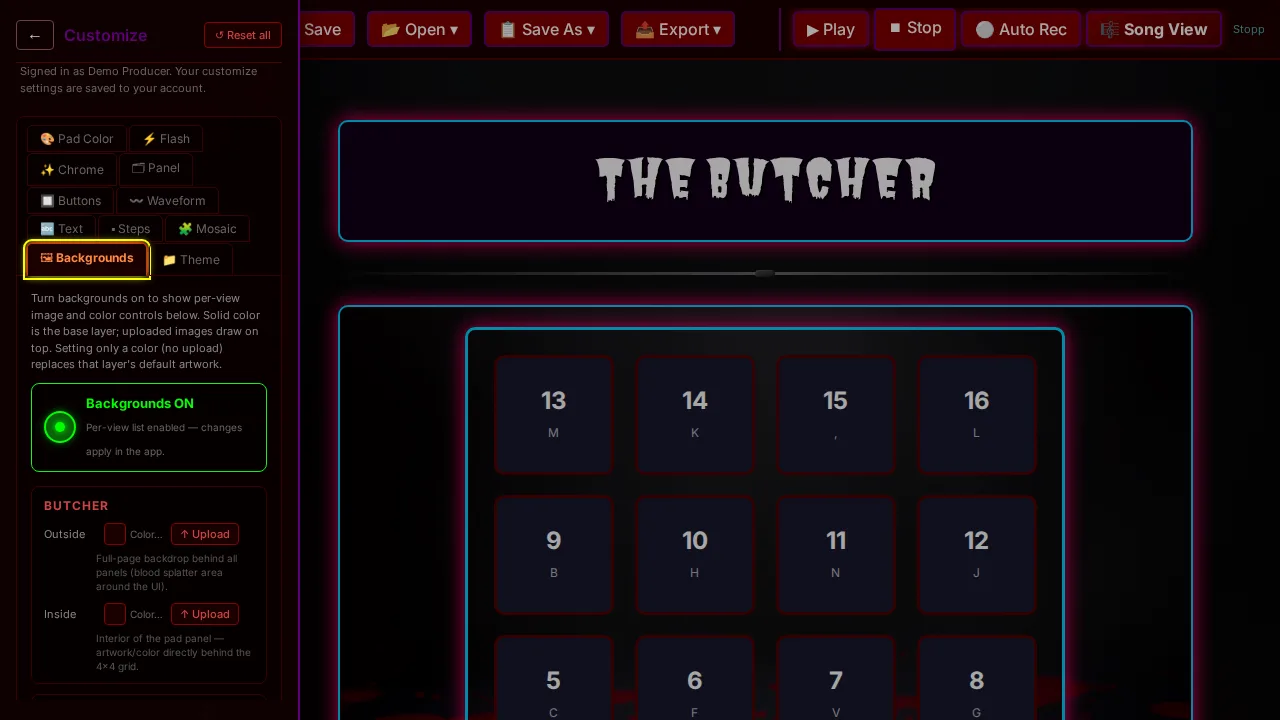
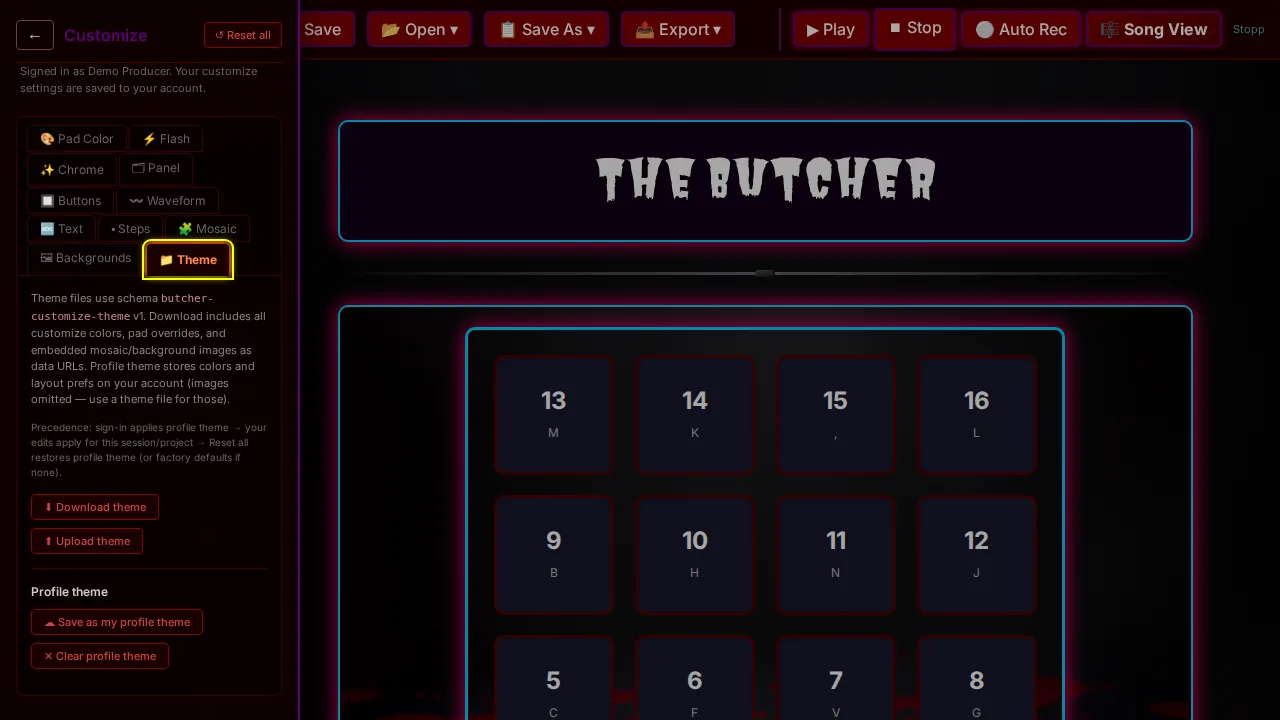
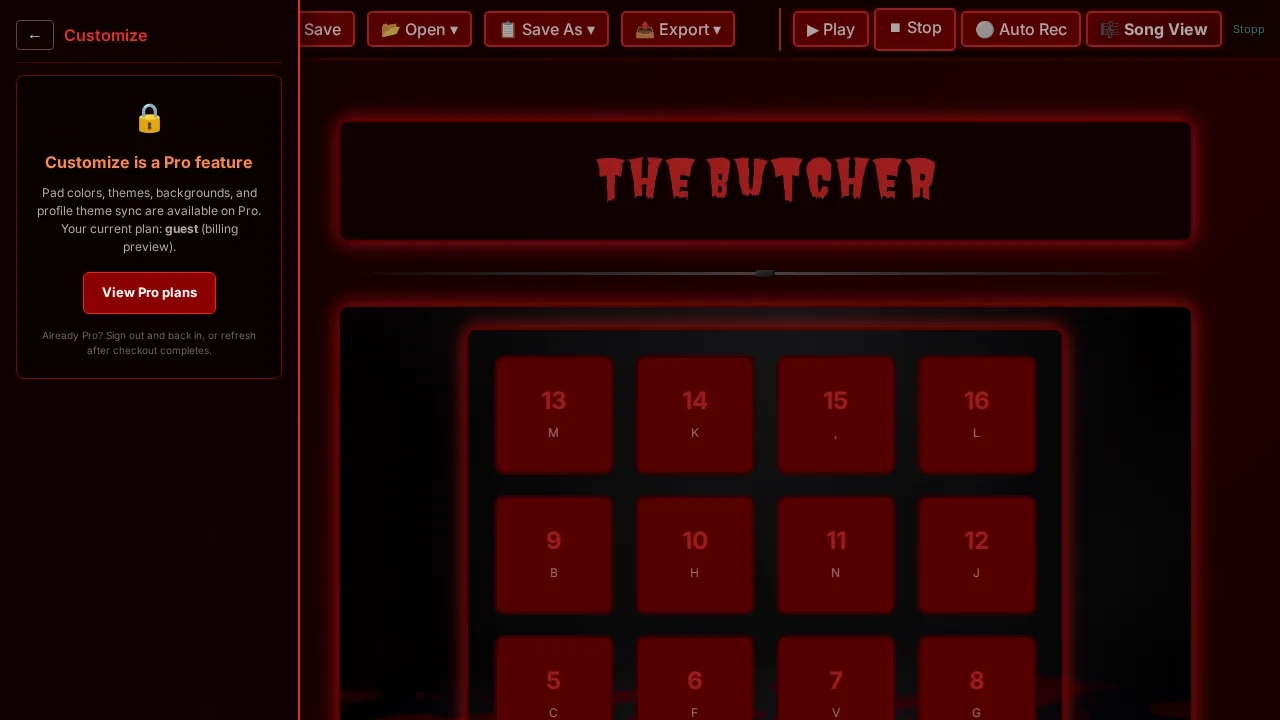
Pro Customize
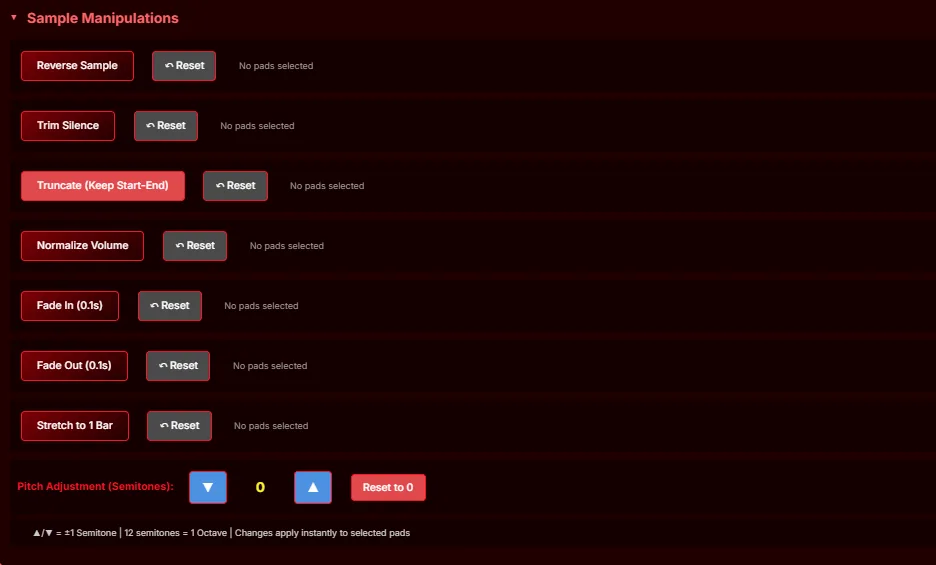
Colors, flash, chrome, backgrounds, and shareable themes — tuned for Butcher, Sample Manipulation, and the rest of the workspace. Customize is a Pro feature.
Ready to paint your pads? See Pro plans